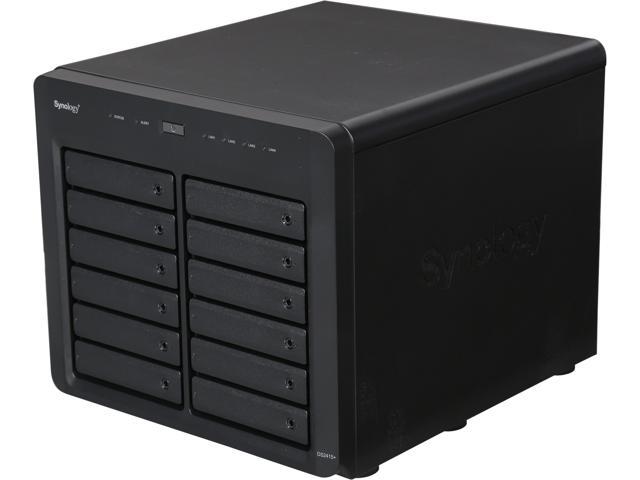
Nerladdningscenter – DS2415+ | Synology Inc.
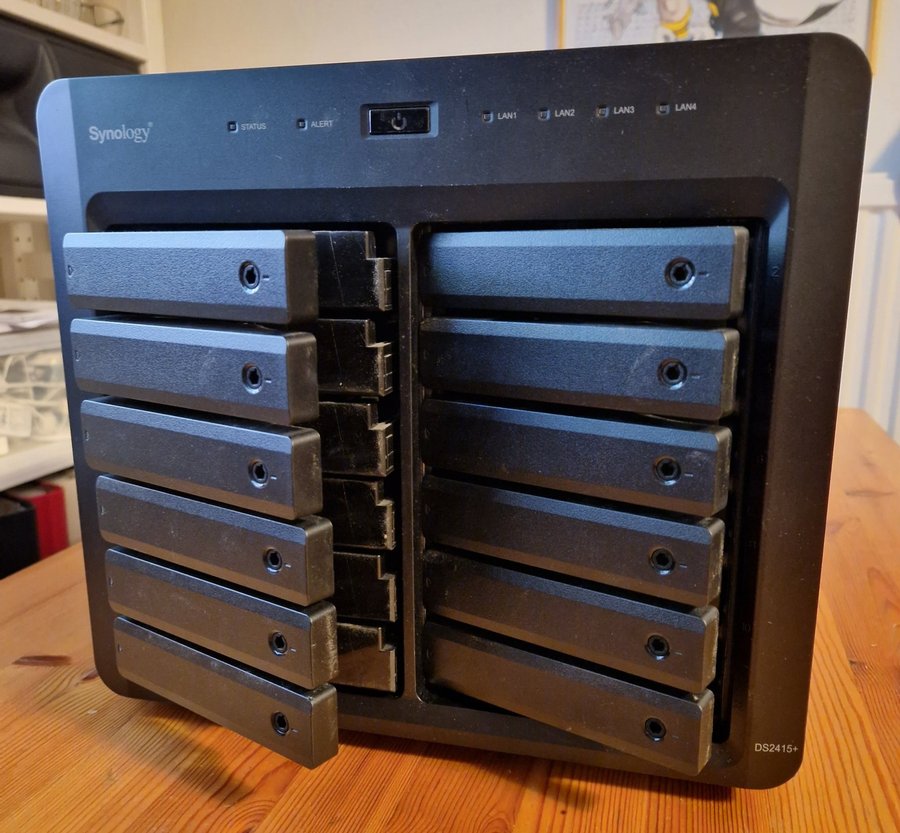
TRADERA auction
USED
12-bay 3,5″, no discs
Intel Atom Quad Core, bug NOT fixed
2 GB RAM, upgradeable
4 x USB34 x 10/100/1000 ethernet
Works flawlessly, ( i have switched to rackmounted )…
OK so…
- needs hard drives -> tradera auction 6 * 8TB Toshiba N300 drives
- needs RAM -> Crucial RAM CT2K8G3S160BM 16 GB kit (2 x 8 GB) DDR3 1600 MHz CL11-minne för Mac ( Amazon quick delivery )
- Intel Atom Synology BUG ? ->
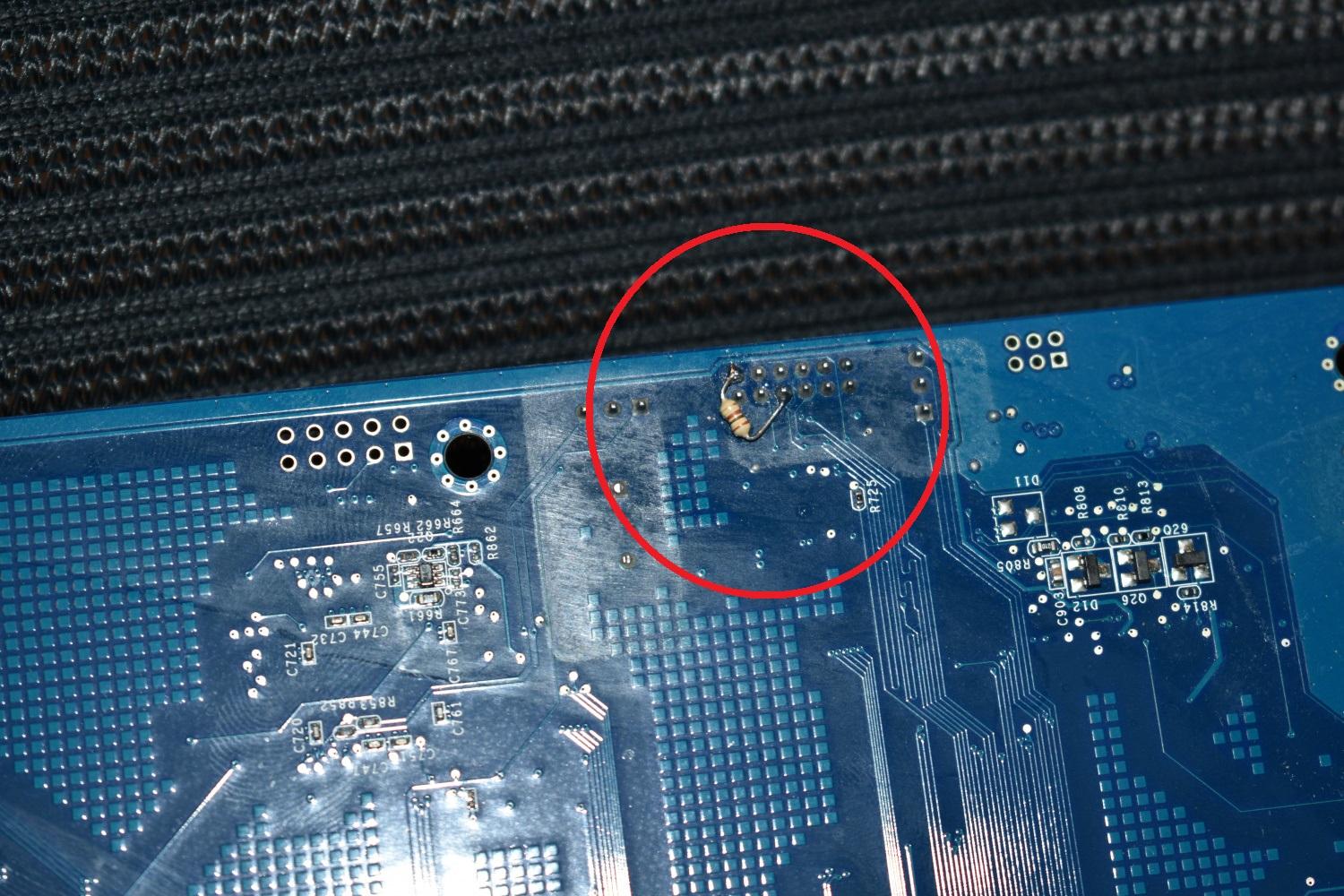
solder a 100Ω pullup resistor between the pin 1 and pin 6
https://community.synology.com/enu/forum/1/post/120548?reply=446633
”A platform pull-up resistor is required as stated in the following documents: • Intel® Atom™ Processor C2000 Product Family for Microserver External Design Specification (EDS) Revision 2.6 – #508084 in Section 23.2.3 Data Frames • Intel® Atom™ Processor C2000 Product Family for Communications Infrastructure External Design Specification (EDS) Revision 2.6 – #510524 in Section 24.2.3 Data Frames The EDS signal definition and the Intel® Atom™ Processor C2000 Product Family Platform Design Guide [PDG] – Revision 1.8 – #509126 are missing the following text: “If your system does not use SERIRQ and BIOS puts SERIRQ in Quiet-Mode, then the weak external pull up resistor is not required. All other cases must implement an external pull-up resistor, 8.2k to 10k, tied to 3.3V.”
Fixing Synology DS2415+ – Xinyang Li (tautomer.github.io)
NOTE
has PCiE onboard but i can´t find anywhere that it would support the addon cards like M2d20 or M2d18 ( ssd nvme cache )
expansion seems limited to adding extra enclosure
seems DS2419+ has everything working with expansion on pcie port….
BACKUP for VMWare ESXi
Enabling VMware Changed Block Tracking (CBT) helps reduce transferred data size and time for backup because CBT backs up only the blocks that are changed since the previous backup. This article will guide you through the process of enabling CBT in VMware vSphere.
Resolution
To enable CBT in a virtual machine:
- Power off the virtual machine. You will not be able to successfully complete the setting without powering off the virtual machine.
- Right-click on the virtual machine and click Edit Settings.
- Click the VM Options tab.
- Click Advanced, and then click Edit Configuration next to Configuration Parameters. It will open the Configuration Parameters dialog.
- Click Add parameters, add the
ctkEnabledparameter, and set its value to true. - Click Add parameters, add
scsi0:0.ctkEnabled, and set its value to true.1,2 - Power on the virtual machine.
- In the home directory of the virtual machine, verify that each drive having CBT enabled has also a vmname-ctk.vmdk file.
The instructions above are referring to this website: VMware KB 1031873. The content might be subject to change in different versions of VMware vSphere. You may find more up-to-date details regarding enabling CBT in VMware VMs on VMware KB 1031873.
After CBT is enabled, the first backup will still be a full backup, and the subsequent backups will be incremental backup.
Notes:
- Whenever a hard drive is added to the virtual machine, a SCSI device will be assigned to the hard drive.
scsi0:0inscsi0:0.ctkEnabledrepresents the SCSI device, while the others display similar to scsi0:1, or scsi 1:1. - You can enable or disable CBT individually on each hard drive.
Video Surveillance
purple 7gig drive
4 cameras.. had to get 2 separate licenses above the 2 included
i wonder how i can archive from the purple drive..
Cloudflare integration
Get a domainname, let cloudflare handle it. Download cloudflare-container and start it inside synology box, setup accounts…. now browseable with 2-factor from internet