THIS is not going to be a full article, cause its been done over years… ( not crucial )
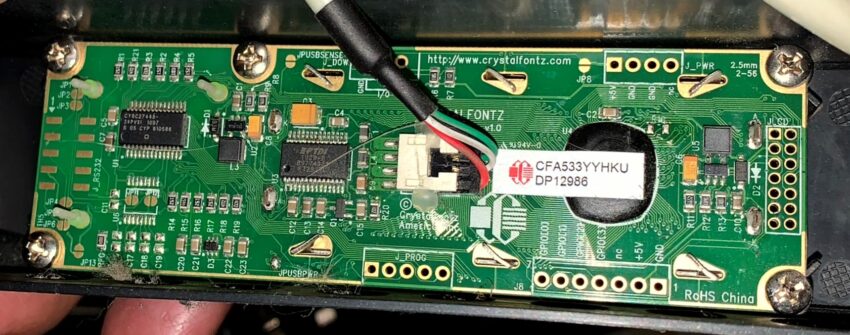
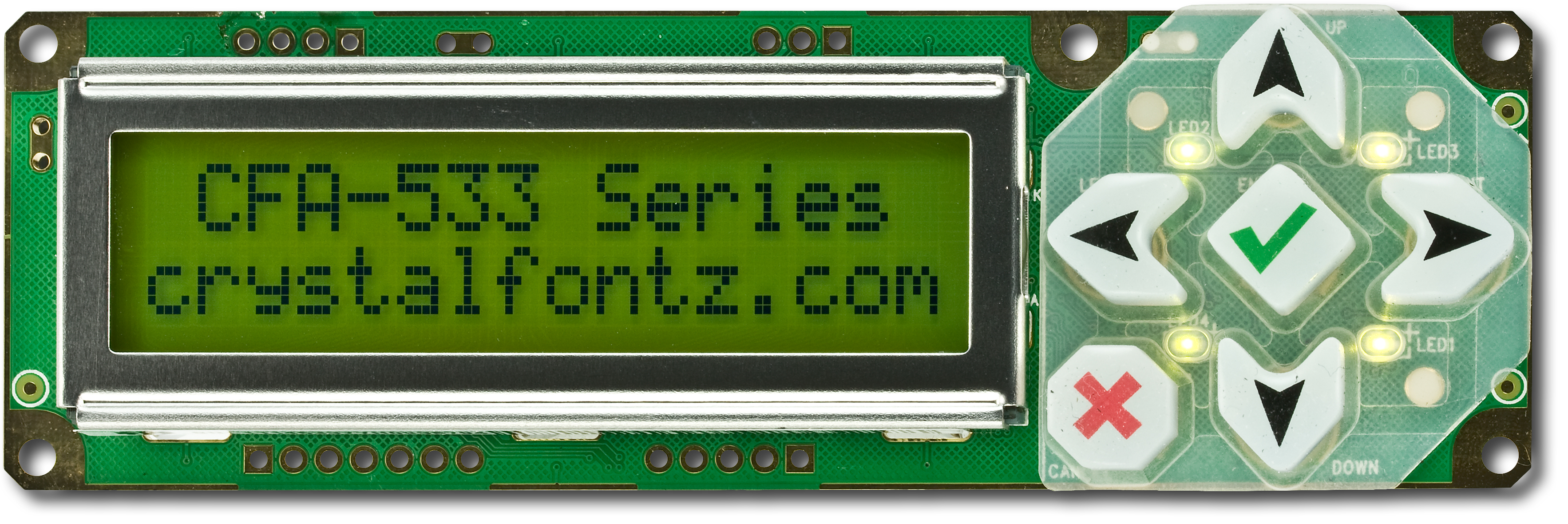
subject is: Crystalfont CFA533-YYH-KU 16×2 Character LCD Module with USB connection, however its not a 6 button type but rather a 5 button.. ( i wonder if they have hidden the 6th button or if this is an older model, the buttons on this one are round in comparison )
SSH into Openmediavault, run:
apt-get install lcdproc
apt-get install cme libconfig-model-lcdproc-perl
apt-get install libconfig-model-tkui-perl
apt-get install joe
http://lcdproc.sourceforge.net/docs/current-user.html#menu-section
https://manpages.ubuntu.com/manpages/bionic/man5/lcdproc-config.5.html#example
root@openmediavault2:/# cme edit lcdproc
root@openmediavault2:/# joe /etc/LCDd.conf
## This file was written by cme command.
## You can run 'cme edit lcdproc' to modify this file.
## You may also modify the content of this file with your favorite editor.

[server]
DriverPath=/usr/lib/x86_64-linux-gnu/lcdproc/
# Select Crystalfontz driver CFontz CFontzPacket
Driver=CFontzPacket

Bind=127.0.0.1
Port=13666
User=nobody

Hello="- OMV2 Booting -"
Hello="  192.168.10.23 "
GoodBye=" OMV2 stopping  "
GoodBye="   -Goodbye-    "

WaitTime=5
ServerScreen=no
# If 'yes' server runs in foreground (handy during setup)
Foreground=no

# assign keys to special functions #
NextScreenKey=Down
PrevScreenKey=Up
ReportToSyslog=yes
ToggleRotateKey=Right

[menu]
DownKey=Down
EnterKey=Enter
MenuKey=Left
UpKey=Up
Rightkey=Right
#LeftKey = Left
#RightKey = Right

[CFontzPacket]
Model=533

# Output device.  IMPORTANT: EDIT THIS FOR YOUR SETUP!
Device=/dev/ttyUSB0

# Display size, type, contrast and brightness range.
Size=16x2
#Type=lkd
Contrast=350
hasAdjustableBacklight=yes
Brightness=750
#Speed=115200
Speed=19200
OffBrightness=0

Reboot=yes

OldFirmware=yes
added so LCDd start automatically and I just rebooted
output on lcd screen:
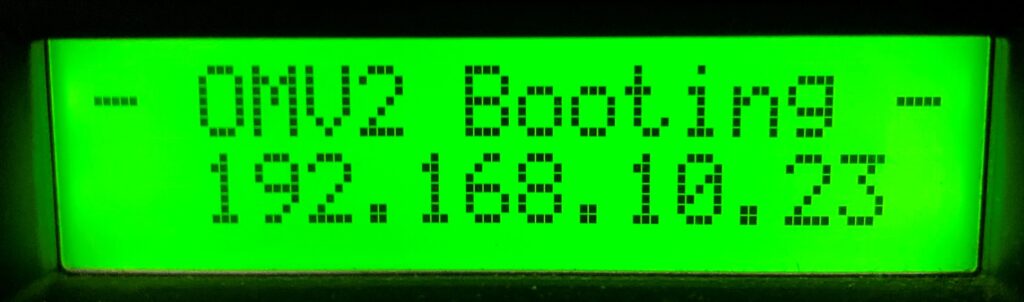
So the LCDd server is up and running
trying the menu function:
left key is MenuKey (which let you into the menu)
scrolling down with down key
Menu
Options
Screens
Test menu
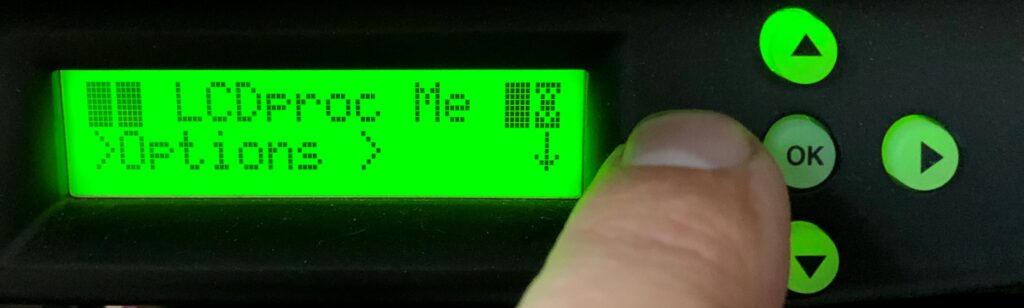
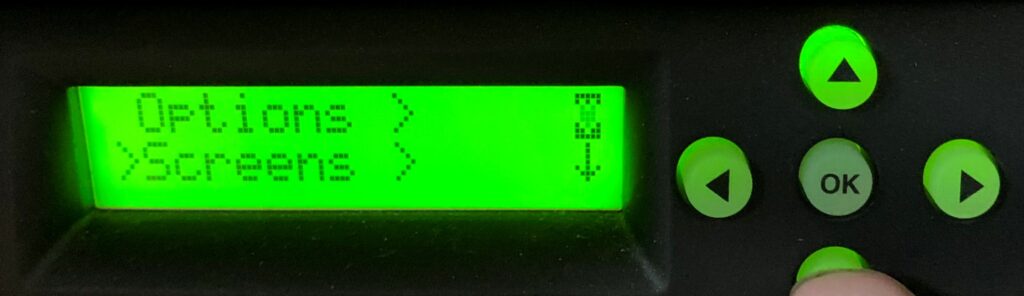
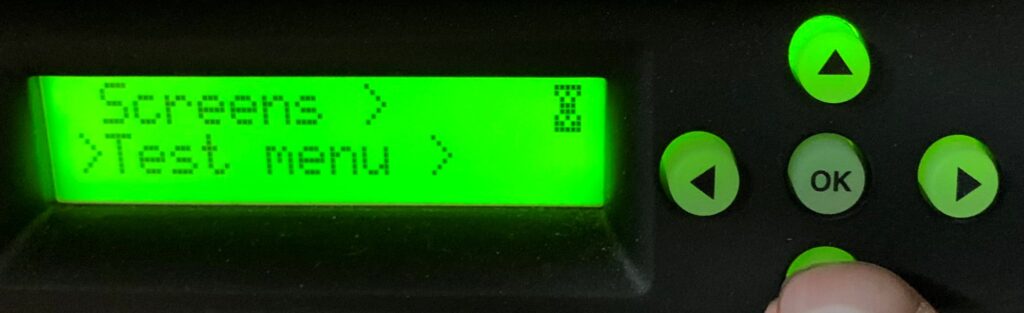
Testing Options menu ( going back up to options with up key )
Right Key opens
Options (menu)
Heartbeat
Backlight
TitleSpeed
CFontzPacket
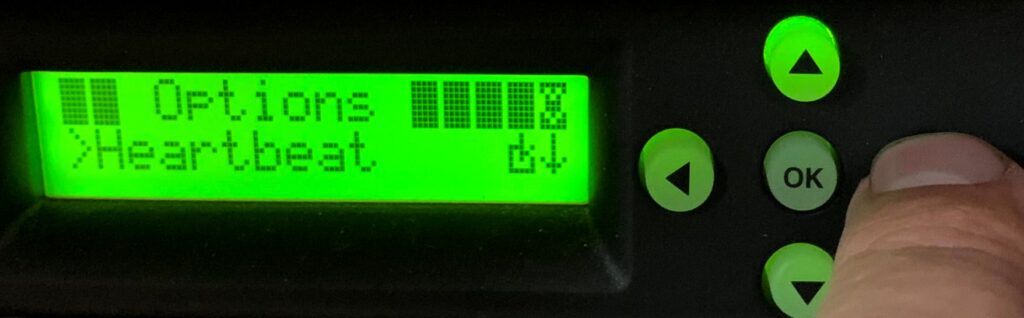
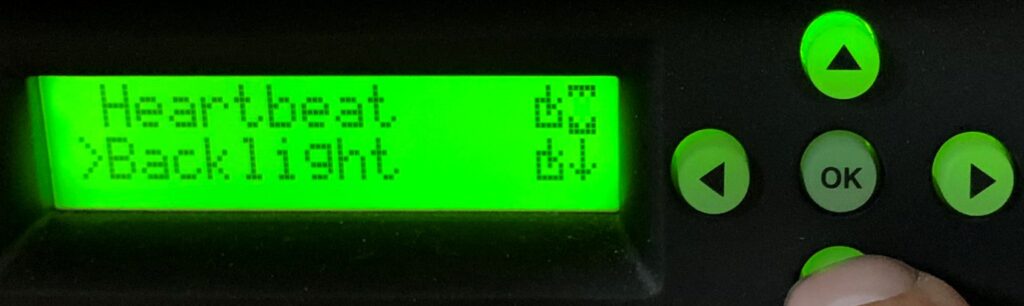
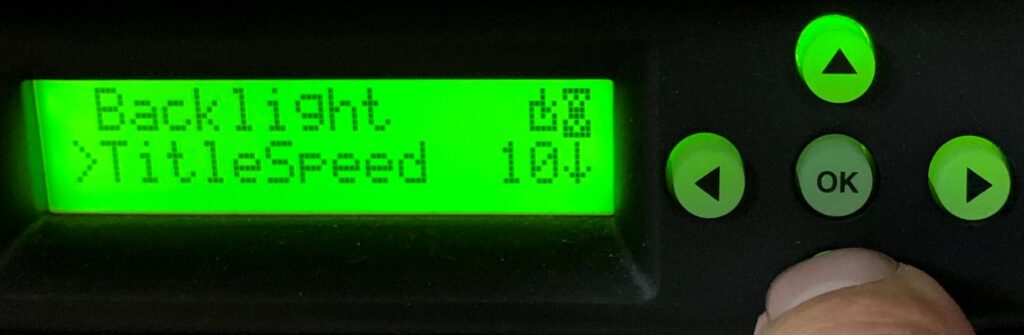
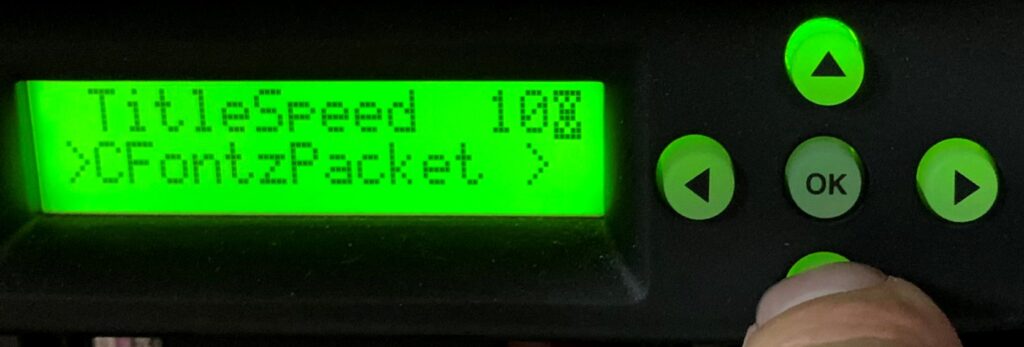
So LCDd with Menus is up and running, turn focus on starting lcdproc which should get data and publish it on the LCDd server
The Command Line Options of lcdproc is shown by running:
lcdproc -h
lcdproc - LCDproc system status information viewer

Copyright (c) 1999-2006 Selene Scriven, William Ferrell, and misc. contributors.
This program is released under the terms of the GNU General Public License.

Usage: lcdproc [<options>] [<screens> ...]
  where <options> are
    -s <host>           connect to LCDd daemon on <host>
    -p <port>           connect to LCDd daemon using <port>
    -f                  run in foreground
    -e <delay>          slow down initial announcement of screens (in 1/100s)
    -c <config>         use a configuration file other than /etc/lcdproc/lcdproc.conf
    -h                  show this help screen
    -v                  display program version
  and <screens> are
    C CPU               detailed CPU usage
    P SMP-CPU           CPU usage overview (one line per CPU)
    G CPUGraph          CPU usage histogram
    L Load              load histogram
    M Memory            memory & swap usage
    S ProcSize          biggest processes size
    D Disk              filling level of mounted file systems
    I Iface             network interface usage
    B Battery           battery status
    T TimeDate          time & date information
    O OldTime           old time screen
    U Uptime            uptime screen
    K BigClock          big clock
    N MiniClock         minimal clock
    A About             credits page

Example:
    lcdproc -s my.lcdproc.server.com -p 13666 C M X
as test i run
lcdproc -s 127.0.0.1 -p 13666 P D I U K
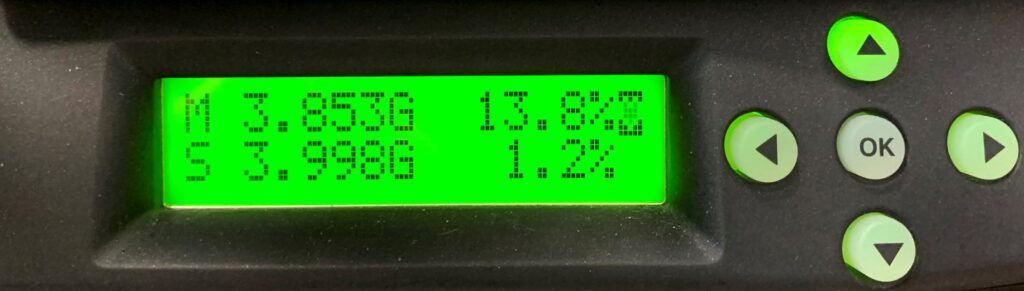
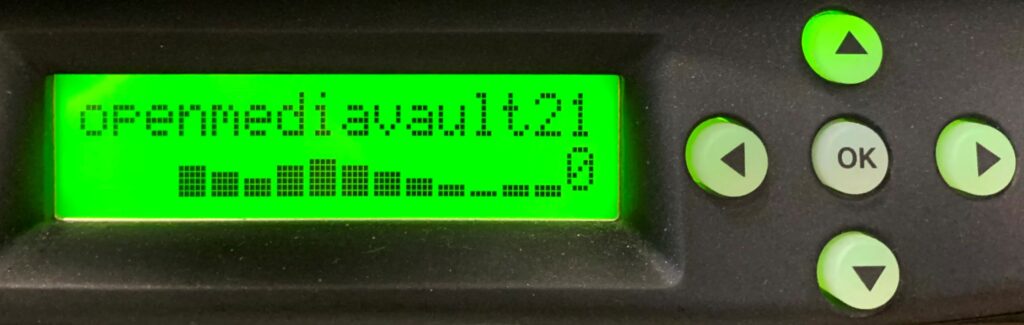
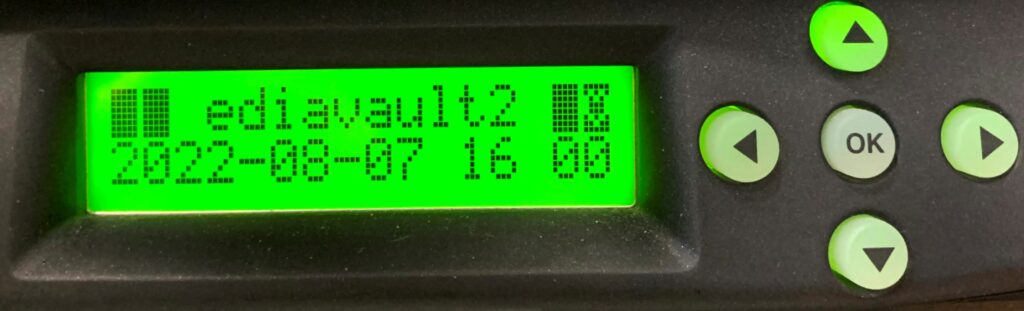
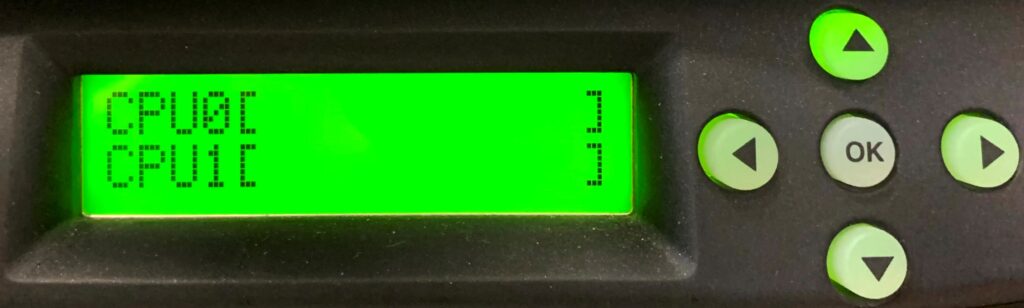
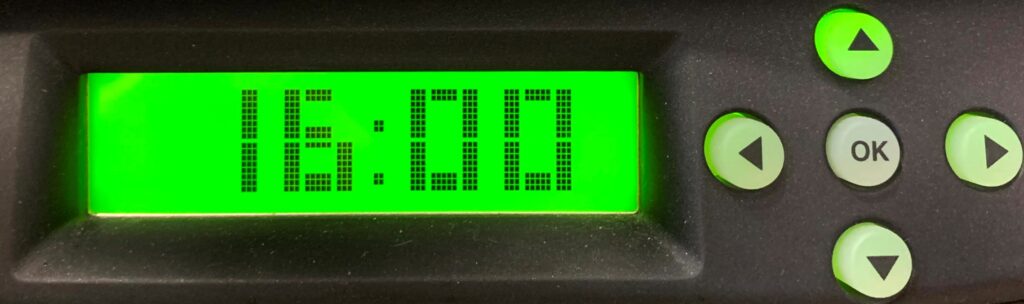
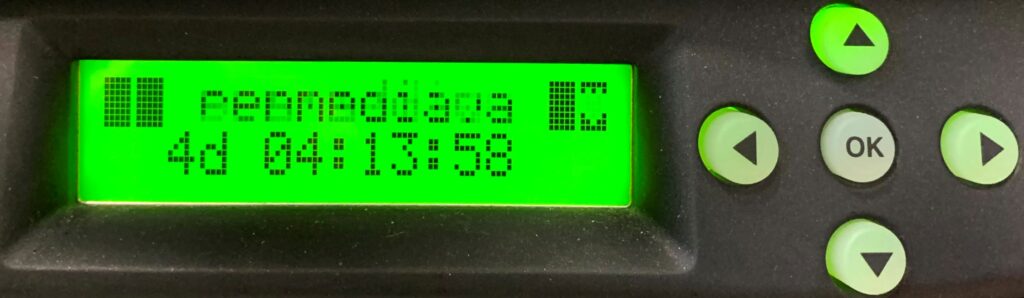
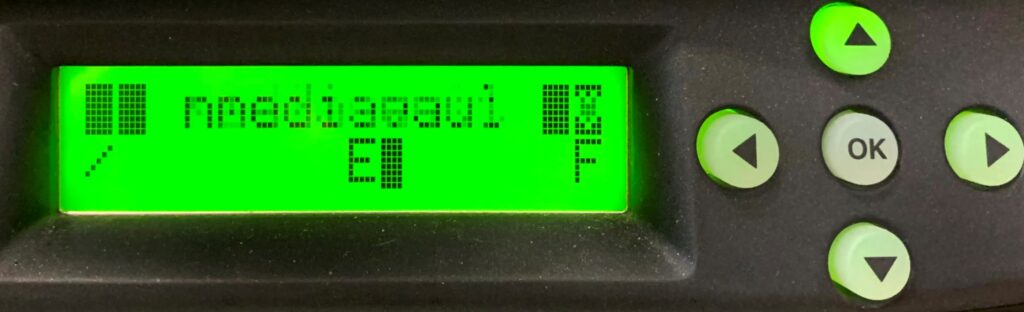
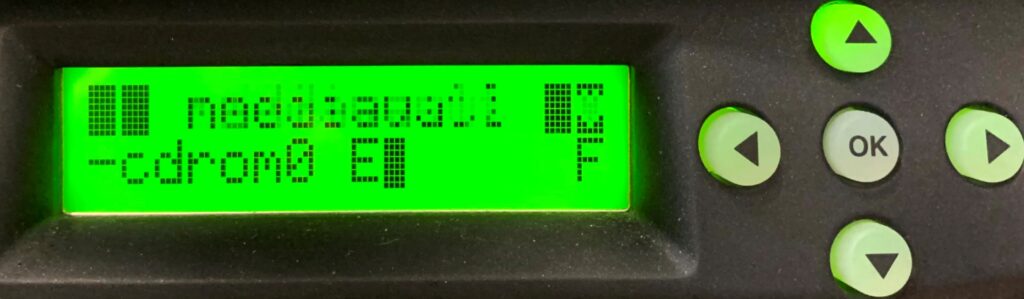
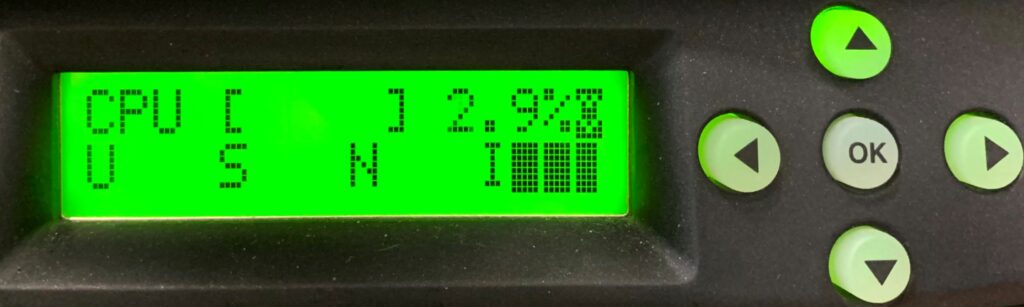
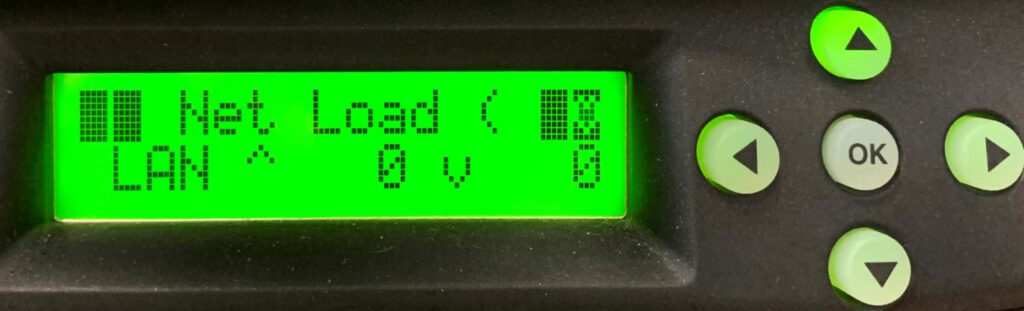
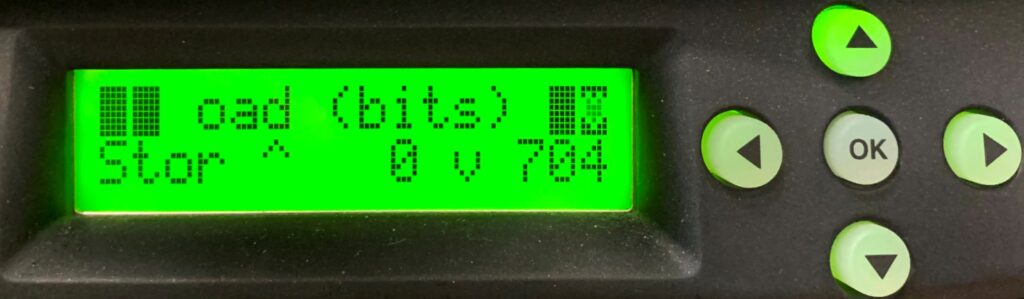
i didnt ask for all of those…..i’m getting some as bonus here… wonder where they come in…
https://manpages.ubuntu.com/manpages/bionic/man1/lcdexec.1.html
https://manpages.ubuntu.com/manpages/bionic/man5/lcdproc-config.5.html#example
https://github.com/lcdproc/lcdproc/blob/master/LCDd.conf
https://malacube.wordpress.com/tag/pfsense-lcd-display/
http://lcdproc.sourceforge.net/docs/current-user.html#apt-get
http://lcdproc.sourceforge.net/docs/current-user.html#lcdproc